
Keynote cards
A bold card for the opening or closing keynote.
KEYNOTE AT
Product Conf
Sara LindVP Product

Day 1 · 09:00Get Tickets →
Speaker announcement graphics
Design one speaker card template. Send each speaker a link. They add their photo, name and session, download the card and announce their talk to their own network.
AI Summit 2027

AI Summit 2027
AI Summit 2027
Try it
Type a name, pick a label, a photo and a color. The graphic updates as you go.
AI Summit 2027
Definition
A speaker card is a graphic that announces who is speaking at your event. It shows the speaker's photo, name, title, the session and the event branding, sized for the LinkedIn feed.
When the speaker posts it from their own profile, the announcement reaches their followers: clients, peers and colleagues who already trust them. That reach is the reason organizers ask every speaker to share one.
DevDays 2027

How it works
You build the template once. Every speaker makes their own card from the same link.
Upload your design or start in the editor. Mark the photo area and add text fields like name, title and session.
Put the link in your speaker onboarding email or the speaker portal. One link works for every speaker.
Each speaker adds a photo, fills in their details and downloads a high-res PNG ready for LinkedIn.
Speaker card templates
The parts stay the same. What changes is the label and the detail line.
A bold card for the opening or closing keynote.
Product Conf
Same card for every panelist, with the panel title in the detail line.
FinTech Forum
For hands-on sessions where seats are limited.
Founder Week

Moderators have networks too. Give them their own label.
Growth Summit
Two names, one session. Each guest posts their own card.
Startup Camp

Speaker post captions
The card carries the facts. The caption says why the talk is worth showing up for. Send these with the link.
I'm speaking at {Event} on {date}. My session: {talk title}. I'll share {one concrete thing people will learn}. If you're going, come say hi after the talk.
Preparing my talk for {Event}. Quick question for my network: what's the hardest part of {topic} for you right now? I'll answer the best ones on stage.
Joining {names} on the {panel title} panel at {Event}. We'll disagree about at least one thing. Join us on {date} in {city}.
One week until my session at {Event}. Slides are done. Coffee is booked. Who else is going to be there?
Timing
What to post: The speaker card with a short intro
Why it works: First wave of reach while tickets are on sale
What to post: The card again with the session question
Why it works: Reaches people who are still deciding
What to post: A photo from the stage plus the card
Why it works: Social proof for next year's lineup
For organizers
You keep the branding. Speakers get a card they are proud to share.
Upload your own template or build one in the editor. Colors, fonts, logo and layout stay fixed.
Each event gets its own share link. Put it in emails, the ticket confirmation or your event site.
People open the link, add a photo, fill in their name and download. Nothing to install.
Page views, downloads and conversions per event, in your dashboard.
Examples
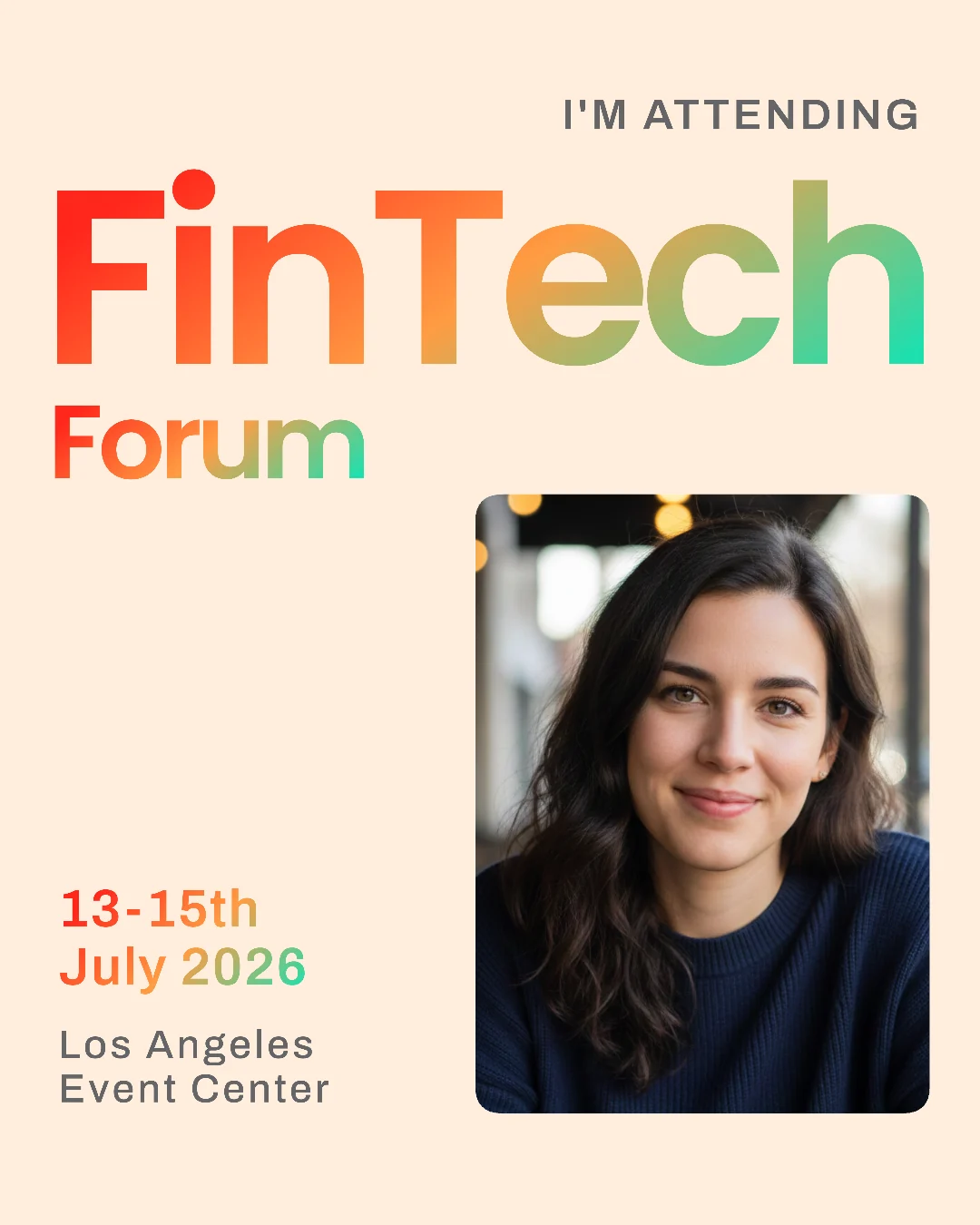
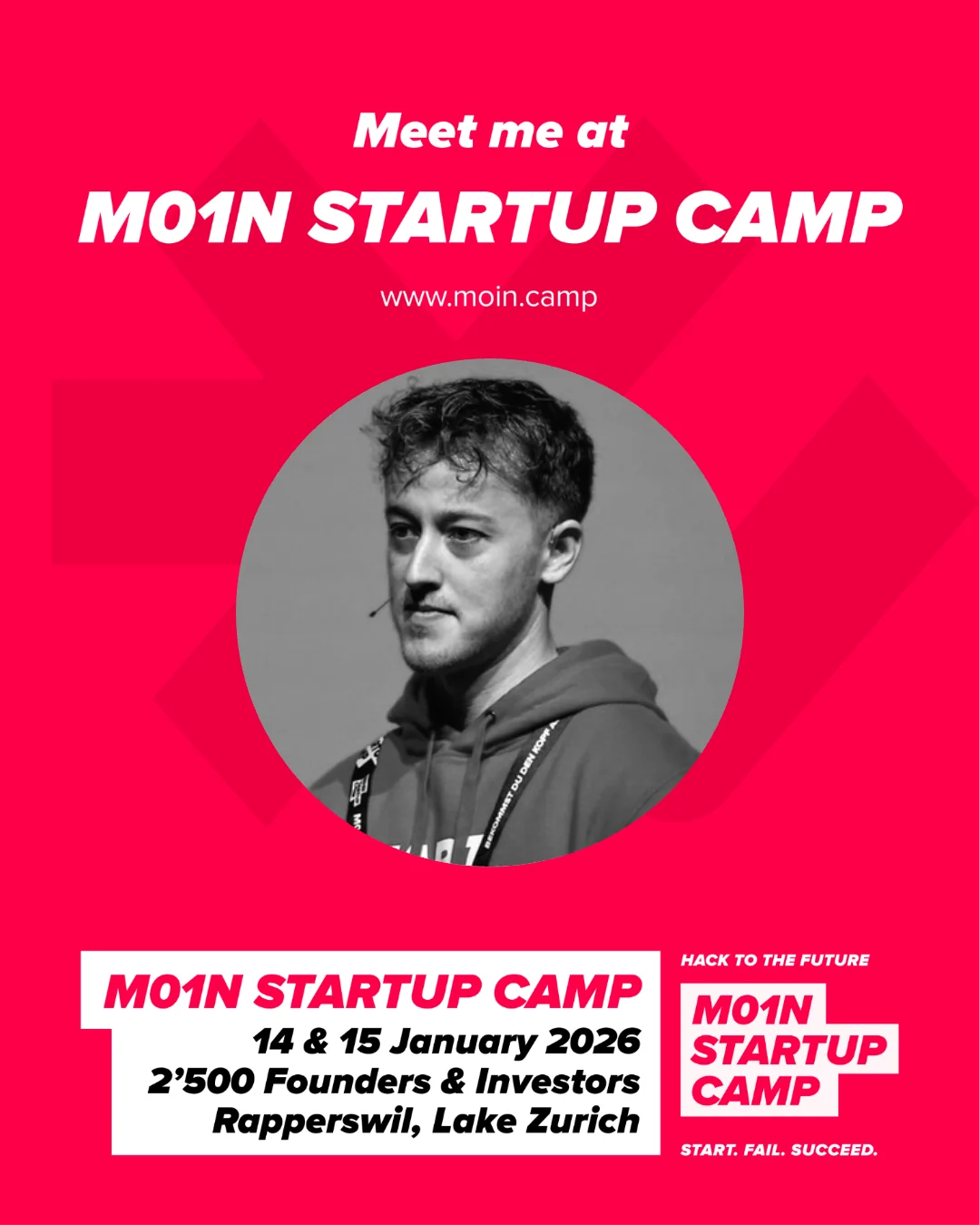
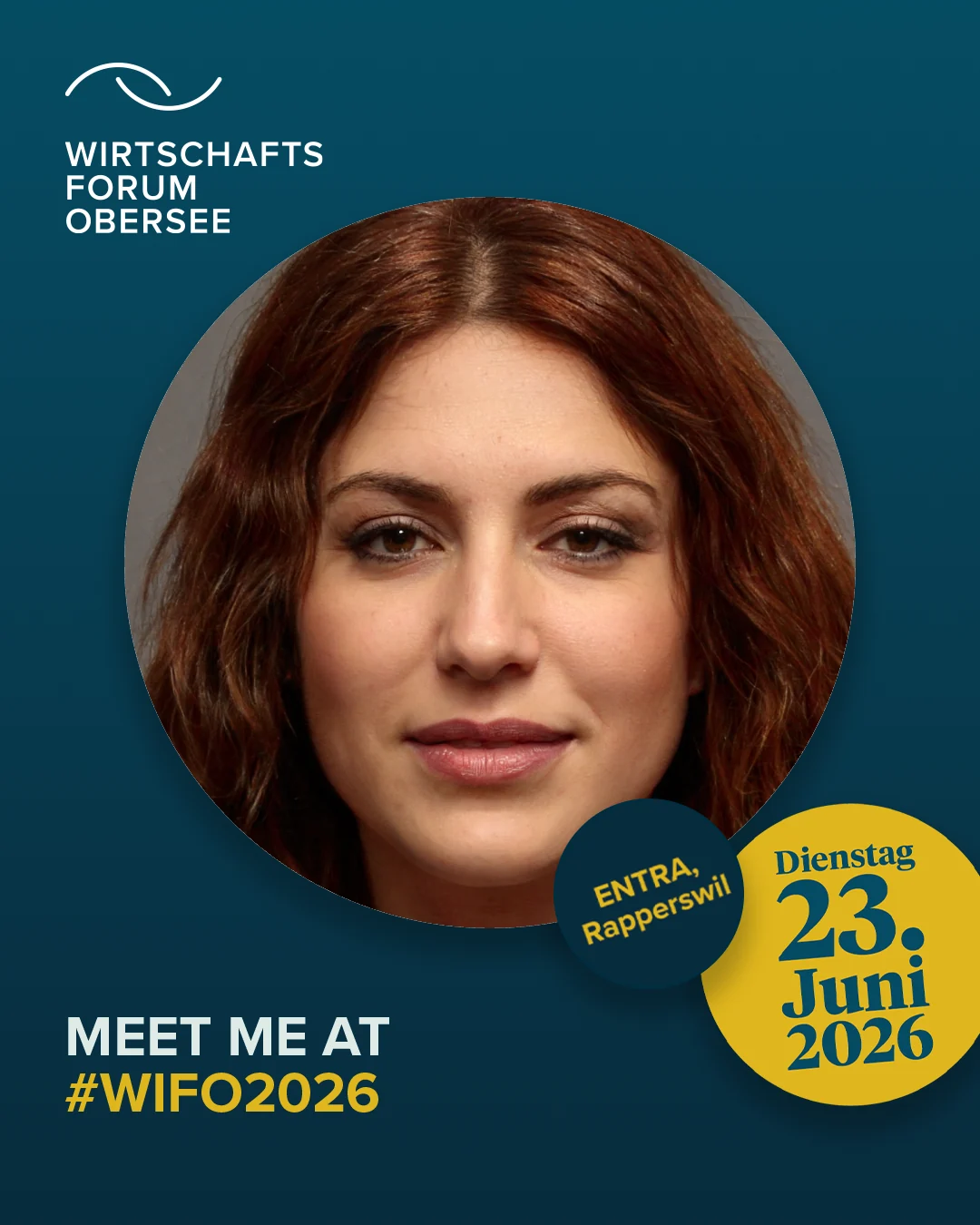
Organizers set the design once. Only the photo and the name change.

FAQ
A speaker card is a branded graphic that announces a speaker at an event. It combines the speaker's photo, name, title and session with the event logo, date and colors, sized for LinkedIn.
No. You design one template. Each speaker opens your link, adds a photo and their details and downloads their own card.
Square 1200 x 1200 px works well in the LinkedIn feed. Portrait formats like 1080 x 1350 take more screen space on mobile. Cards download in the size of your template as high-res PNG.
Yes. You can change the label in your template, or set up a separate template for panelists, moderators and workshop leads with its own link.
No. Speakers open the link, upload a photo, type their details and download. No signup and no app.
Pricing is per event: €79 for up to 250 people, €349 for up to 1,500 and €1,599 for the full custom service. Building and previewing the template is free.
Keep exploring
Announcement graphics for panelists, hosts, moderators and MCs.
GraphicA complete social kit for attendees, speakers, sponsors and partners.
Event typeGraphics for attendees, speakers and sponsors of multi-track conferences.
GraphicBranded LinkedIn post templates for event announcements and countdowns.
Event typePremium, executive-ready graphics for summits and leadership events.
Graphic"Proud sponsor of" graphics your sponsors post themselves.
Build your speaker card template in minutes and send one link to the whole lineup.
Free to build. Pricing per event from €79.