
I'm Attending graphic
Conferences & summits
A calm, dark card for multi-day conferences. The event name carries your brand color.
I'M ATTENDING
AI Summit 2027
Your attendeeHead of Data

26-27 Aug · ZurichGet Tickets →
Social Share Cards for Events
Build personalized social share cards that attendees can post in two clicks. Every event share card for LinkedIn carries your branding into a new professional network.

Definition
An I'm Attending graphic is a social share card an attendee posts on LinkedIn to say they are going to an event. It combines their photo with the event name, date, location and a call to action, all in the organizer's branding.
Because the post comes from a person instead of a brand account, it reaches their own network: colleagues, clients and peers who trust them. That is why event share cards for LinkedIn are one of the most effective ways to promote a conference without paid media.

For attendees
Attendees never open a design tool. They follow one link, add a photo and download a finished card that already carries the event branding.
You're registered for AI Summit 2027
Use the link from your ticket confirmation or the event website. It opens the event's branded I'm Attending template. No account needed.
Upload a headshot. It is placed in the photo area of the template automatically, so the graphic stays on brand.
Your attendeePosting on LinkedInI'm attending AI Summit 2027!

Download the high-resolution PNG, add a short caption and tag the event. Your network sees where you will be.
I'm Attending graphic templates
Every I'm Attending graphic keeps the same parts: photo, event name, date and call to action. Your colors, fonts and logo decide how it looks.
I'm Attending graphic
A calm, dark card for multi-day conferences. The event name carries your brand color.
AI Summit 2027
I'm Attending graphic
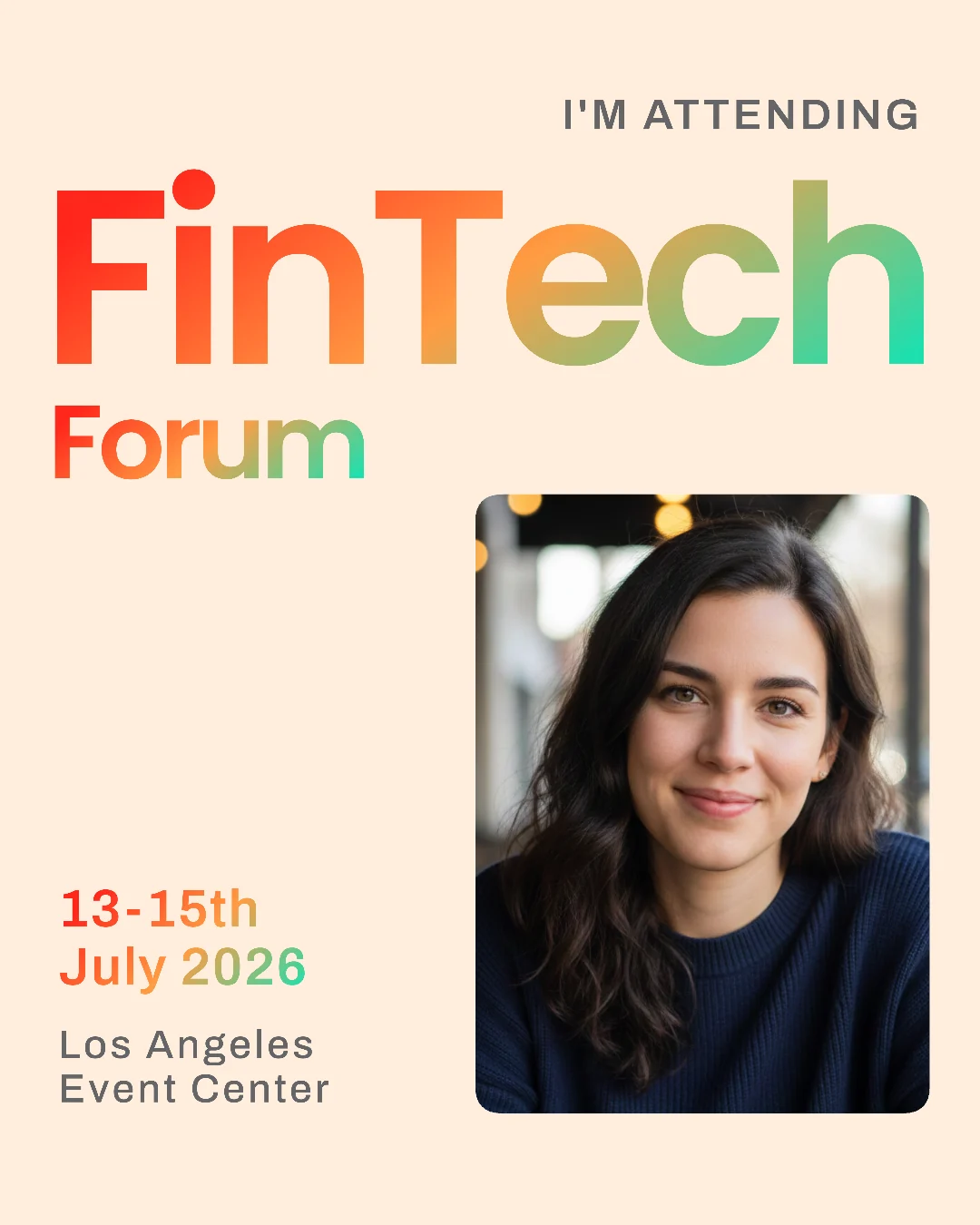
Warm and loud enough for a busy feed. Add hall or booth details next to the date.
FinTech Forum 2026

I'm Attending graphic
For meetups and community days where people want to know who else is coming.
Startup Week Berlin

I'm Attending graphic
A light card that sits well next to product screenshots and launch posts.
Product Conf 2026
I'm Attending graphic
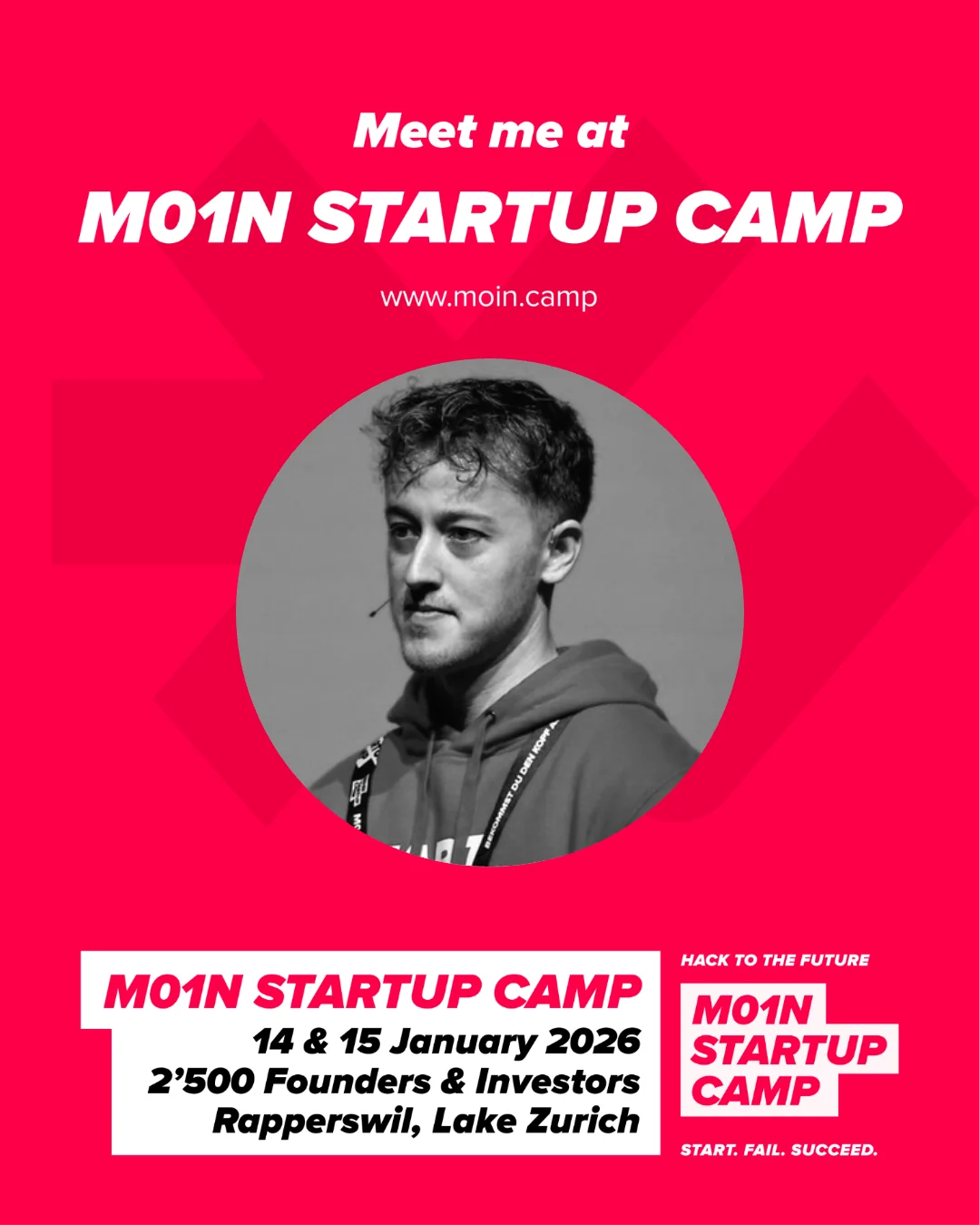
Bold color for founder events, made to stand out in a crowded LinkedIn week.
Startup Camp 2026
I'm Attending graphic
Small events, same reach. Every participant posts from their own profile.
Founder Week 2026
I'm Attending graphic
A dark, festive card for evenings that guests are proud to be invited to.
Startup Awards 2026
I'm Attending LinkedIn post
The graphic carries the date and the design. The caption says why you are going and who you want to meet. That is what earns comments. Replace the parts in braces.
I'm attending {Event} on {date} in {city}. I'm going for the sessions on {topic}, and to meet people working on the same problems. Who else is going? Let's connect before the event.
Booked my ticket for {Event}. If you work in {field}, I'd love to grab a coffee there. Send me a message and let's set a time. #{EventHashtag}
Our team is attending {Event} this {month}. We'll be sharing what we learn about {topic} here on LinkedIn. Follow along, or say hi if you're there too.
One week until {Event}. My three must-see sessions: {session 1}, {session 2}, {session 3}. What's on your list?
Tip: tag the event's LinkedIn page and use its hashtag.
Timing
One card, several moments. Each wave of posts reaches people who are still deciding whether to come.
The moment of booking is when people are most excited and most likely to post. Send the share link with the ticket confirmation.
A second wave from attendees reaches colleagues who are still deciding. Remind registered guests with the same link.
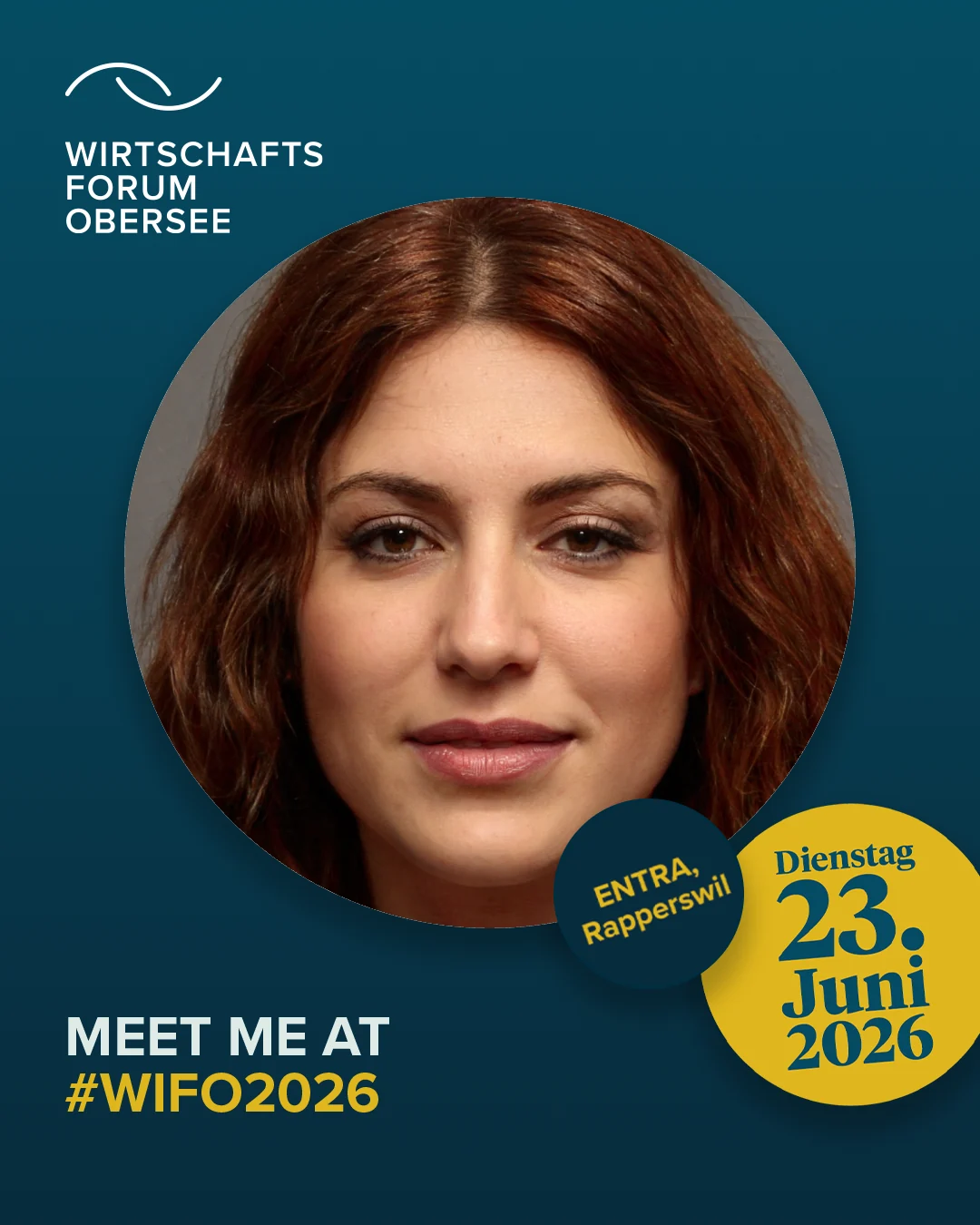
"See you tomorrow" posts turn into coffee chats and booth visits. A Meet Me At variant works well here.
Attendees re-share their card with photos from the venue. Speakers and exhibitors add their own versions.
Event graphics compared
"I'll be there."
Who posts it: Every registered attendee
Best moment: Right after registering
"Let's meet there."
Who posts it: Attendees who want meetings
Best moment: The week before and on site
"Come to my session."
Who posts it: Speakers, panelists, moderators
Best moment: When the agenda is announced
Examples
Each organizer sets the design once. Every attendee card follows it. Only the photo changes.
For organizers
Upload your event design, mark the photo area and share one link. You keep the branding; attendees get a card they are proud to post.
Colors, fonts, logo and call to action are set once. Attendees can only add their photo.
Put it in the ticket confirmation, the reminder email or on the event website.
Open, add a photo, download. Nothing to install, nothing to sign up for.
Track page views, downloads and conversions for every event in the dashboard.
Pricing is per event, from €79 for up to 250 attendees. See all plans.
FAQ
I'm Attending Graphics are personalized event share cards that combine an attendee photo with your event name, branding, date and call to action for LinkedIn.
The organizer creates one branded template and shares an event link. Each participant adds a photo and downloads a finished social share card without editing the design.
No. Attendees open the event page, add a photo and download their personalized Event Share Card for LinkedIn without signing up or installing an app.
Say which event you are going to, why you are going and who you want to meet there, then tag the event page. Keep it to three or four short lines and let the I'm Attending graphic carry the date and location.
Post right after you register, when the decision is fresh, and share it again a few days before the event. Sending the share link with the ticket confirmation makes the first post a one-minute job.
Graphics download as high-resolution PNG files in the size of the event template: square 1200×1200 for the LinkedIn feed or portrait formats, ready to post without cropping.
An I'm Attending graphic announces that you will be at an event. A Meet Me At graphic invites your network to meet you there, often with a time or place. Many organizers offer both from the same branded template.
Build your first event share card template in minutes and give every attendee a simple path to share it.
Free to build. Only pay when you publish.